Single Video
500 credits
Video generations: 1
$12.90
one-time payment
≈ $12.90 / video
- HD video, no added watermark
- Download & share anywhere
- Credits never expire
- Failed renders are free
- No automatic renewal

 Bonito Bonito AI
Enhance your images to 2K, 4K, or 8K resolution
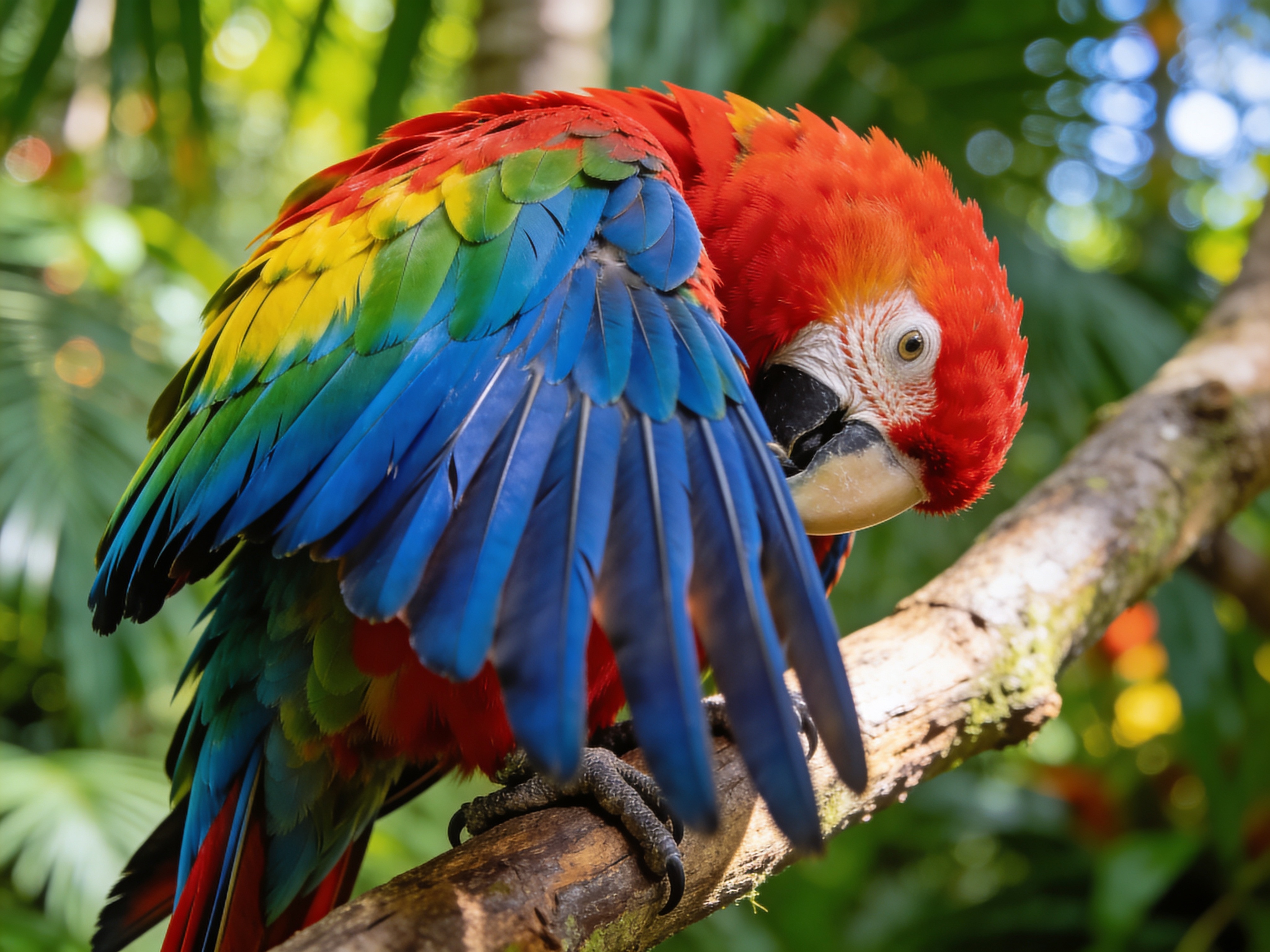
Drag to compare • Upload your image to start
Turn a small photo, product shot, or AI-generated image into a larger asset for web, display, or print. Bonito Bonito AI lets you select a 2K, 4K, or 8K target and export the result as JPEG, PNG, or WebP, so the file fits the next step in your workflow.
Select 2K for everyday publishing, 4K for high-resolution screens, or 8K when you need more room for print, large layouts, or tighter crops.
Instead of only stretching existing pixels, AI analyzes shapes, edges, and textures to build a cleaner-looking larger image while keeping the source composition recognizable.
Download in JPEG, PNG, or WebP. Pick a compact format for web delivery, a high-fidelity file for editing, or the format already used by your publishing workflow.
The best target resolution depends on where the image will appear. Choose the smallest output that gives your layout enough detail and cropping flexibility.
AI super-resolution can make enlargement look more natural than standard interpolation, but it estimates detail rather than recovering information that was never captured.
Bonito Bonito AI is useful when a good image is too small for its next placement, especially across product, creative, and content workflows.
The page keeps the resolution and format choices visible, so you can prepare an output without moving through a separate editor.
Start with the cleanest source available and avoid repeatedly resizing an already compressed file. AI upscaling can create more natural edges and textures than basic interpolation, but “no quality loss” is not literal: the model estimates missing detail. Compare the result with the original, especially around faces, logos, and text.
Choose according to the final placement. A 2K file is often enough for web and social content; 4K suits large screens, detailed product pages, and presentations; 8K gives print layouts or aggressive crops more pixels. Larger is not automatically better, because processing and file size also increase.
Yes. AI-generated images are a common use case when the original render is too small for a portfolio, wallpaper, poster mockup, or further editing. Examine fine patterns, hands, faces, and typography after upscaling, because the model may reinterpret ambiguous details rather than reproduce them exactly.
JPEG is practical for photographs and broad compatibility. PNG is useful when you want a high-fidelity editing file or need to preserve transparency already present in the source. WebP often gives a smaller web-ready file. Choose the format required by your editor, marketplace, website, or print workflow.
It can improve the appearance of mild softness, jagged edges, and low pixel dimensions, but it cannot reliably recover a face, sign, or texture that is absent from the source. Severe motion blur, focus errors, and heavy compression may remain visible or produce invented detail in the enlarged result.
A completed image upscale uses 2 credits. You need to sign in and have enough credits before processing begins. Select the target resolution and output format first, then review the preview before downloading. Keeping the original source also makes it easier to judge whether the larger version suits your intended use.
Upload one image, choose the resolution and file format that match your destination, then inspect and download the enlarged result.
Buy credits for your Bonito Bonito dance videos. No automatic renewal.
Upload one photo · 15-second video · 720p · 500 credits per generationCredits never expire
500 credits
Video generations: 1
one-time payment
≈ $12.90 / video
4,000 credits
Video generations: 8
one-time payment
≈ $7.49 / video
Compared with buying the same number of Single Videos.